
SAVE → RECAP → LISTEN
How Recaply works
Recaply gives the things you save a way back into your day: collect what interests you, get a weekly audio recap, and listen when you have a moment.
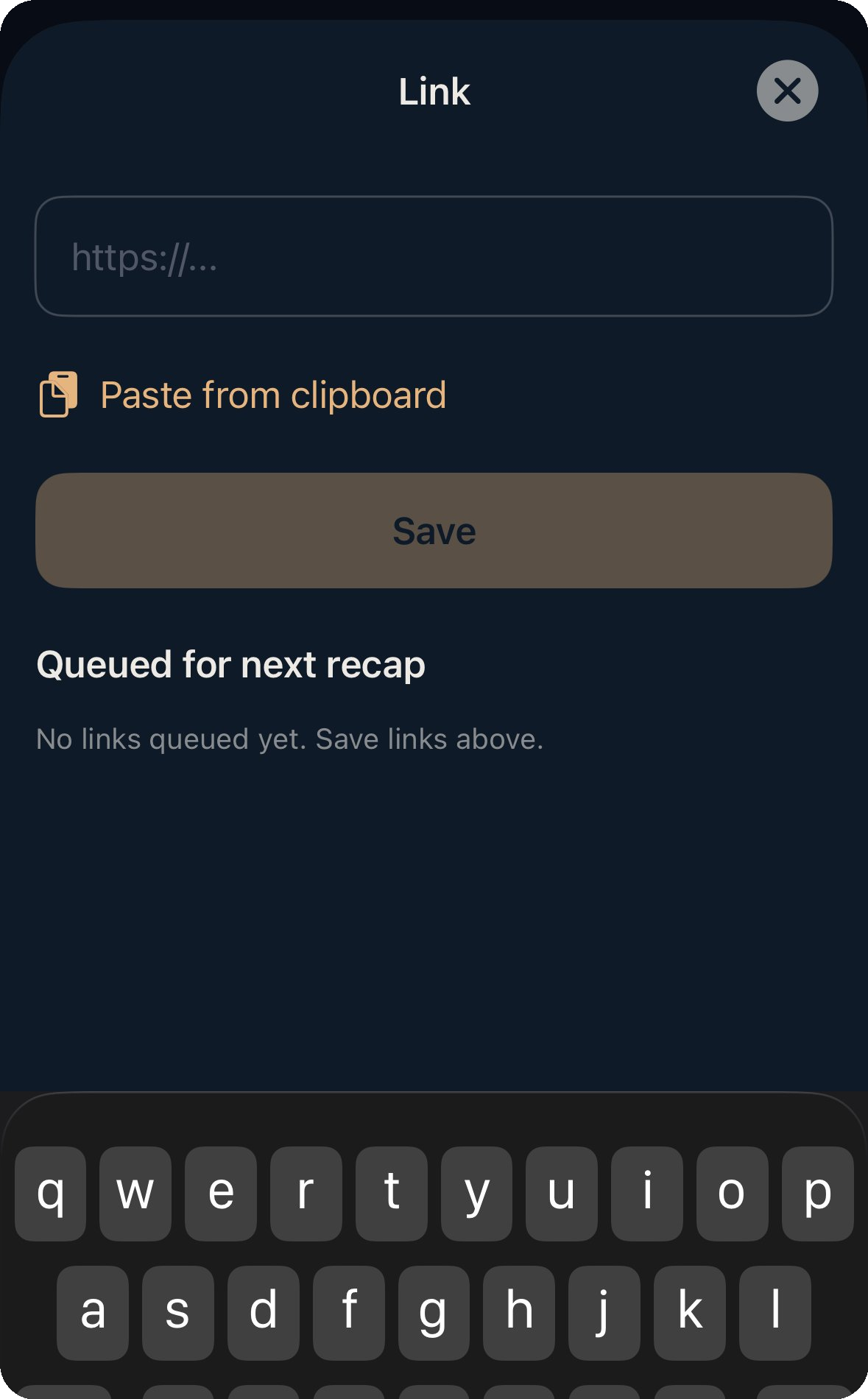
Keep the things worth revisiting
Add a link, write a note or save a photo in the iPhone app. A link might be an article to read or a video to return to. Save the idea when you find it, without deciding when you will have time for it.
Find the thread across your saves
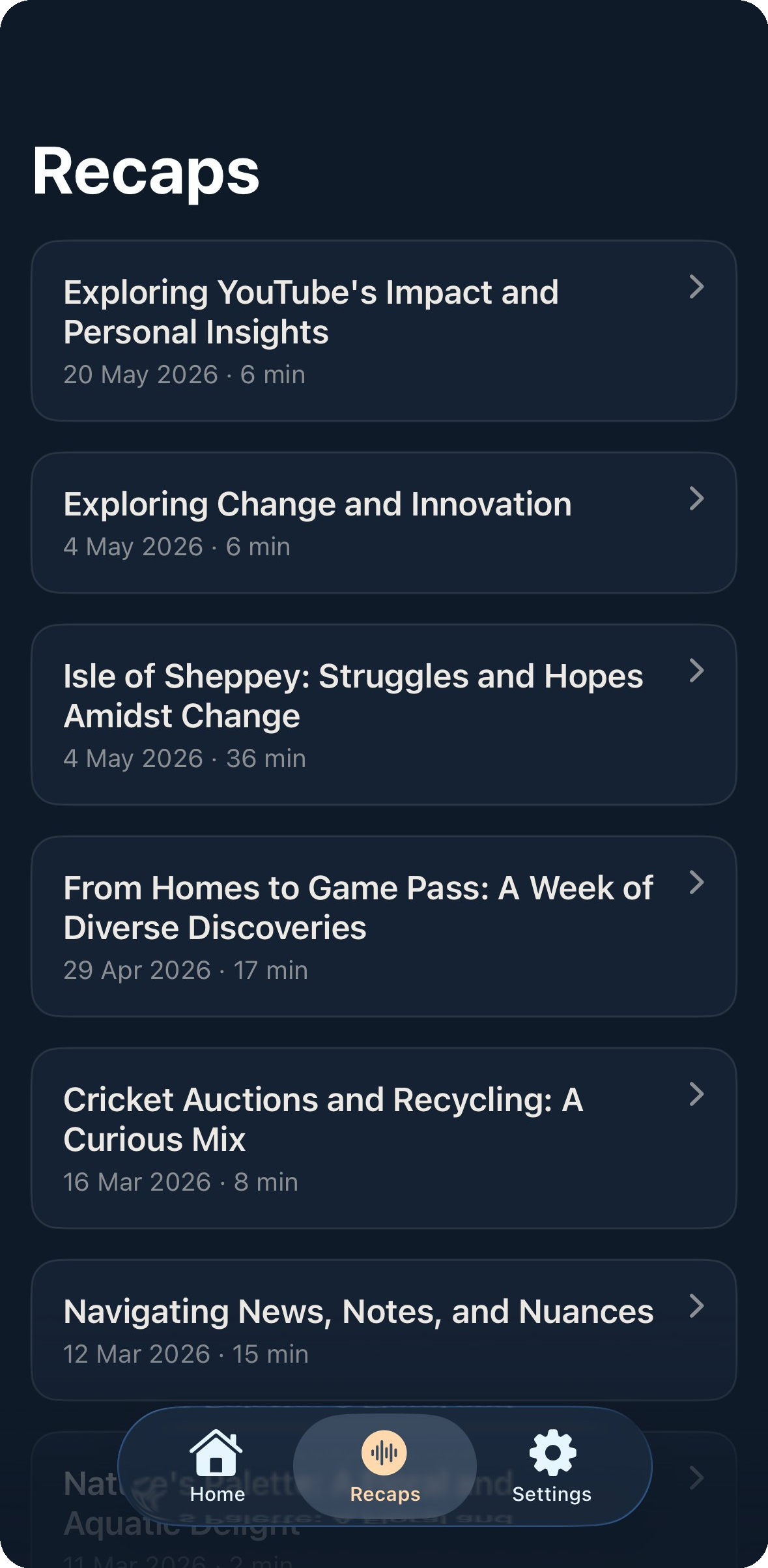
Recaply brings together themes and connections across what you saved and creates a personalised audio recap. It is delivered weekly on the day you choose. The recap reflects your saves; it is not a substitute for checking an original source when accuracy or detail matters.
Catch up while life carries on
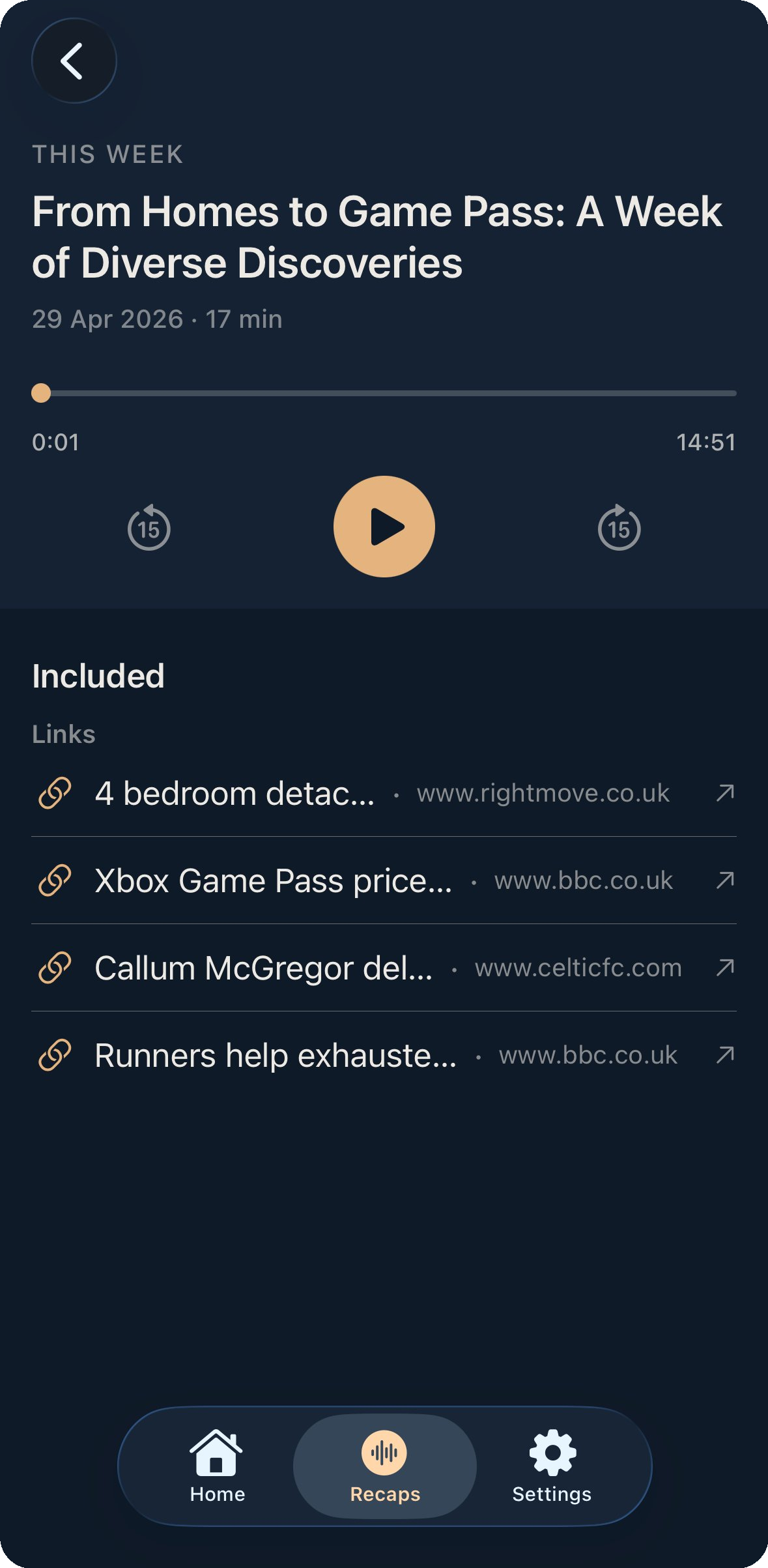
Play your recap on a walk, during a commute or while cooking. You can come back to the ideas you saved without working through a long reading list in one sitting.
Ready to use what you save?
Recaply is available for iPhone. Start with the things you want to come back to.